Cliptic
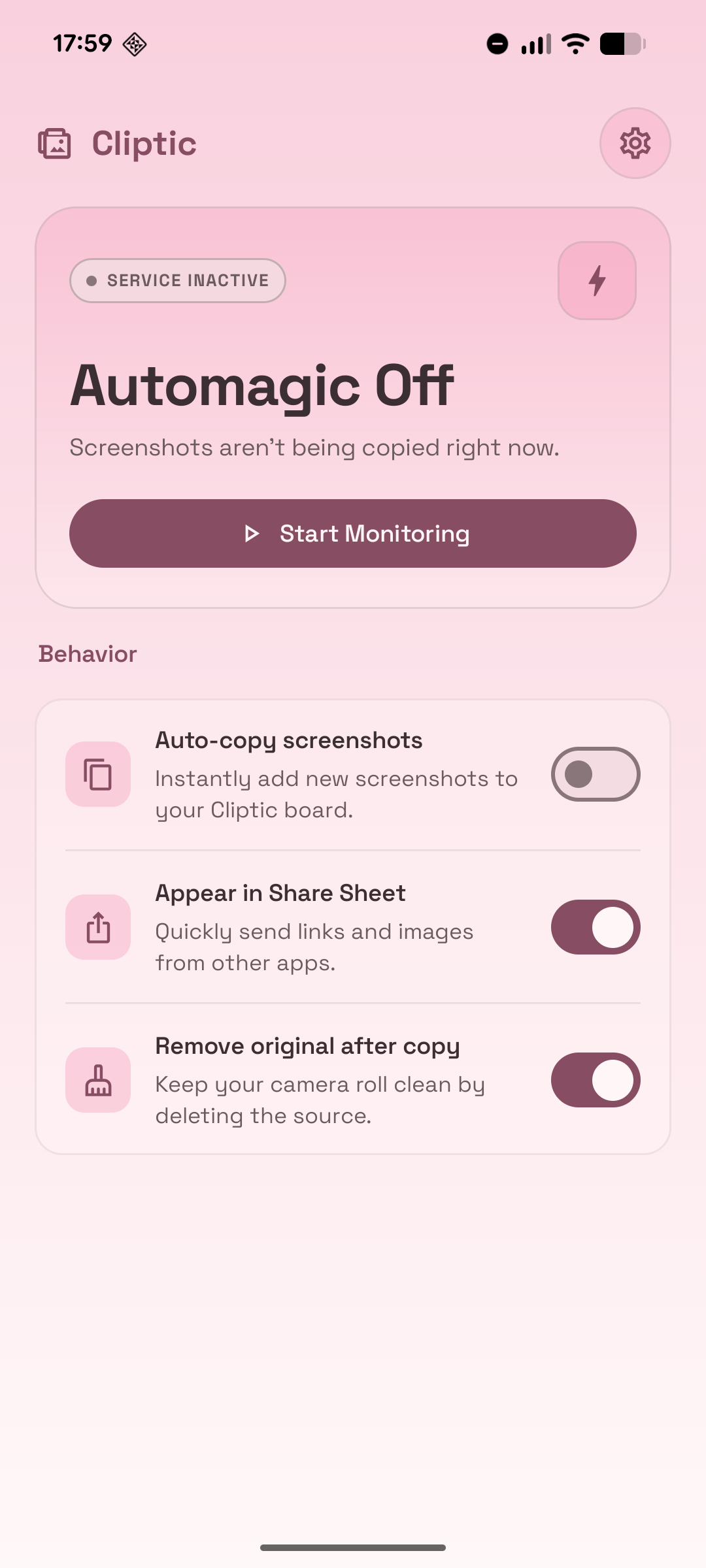
Cliptic (clip + automatic) is an Android app that copies screenshots to the clipboard the moment they are taken — paste them anywhere without opening the gallery first.
Features
Standalone (no root required)
- Watches MediaStore for new screenshots and copies them to the clipboard automatically
- Quick Settings tile for one-tap pause/resume
- Share Sheet integration: receive an image from any app and copy it to the clipboard instantly
- Optional cleanup of the original gallery screenshot after copying, using
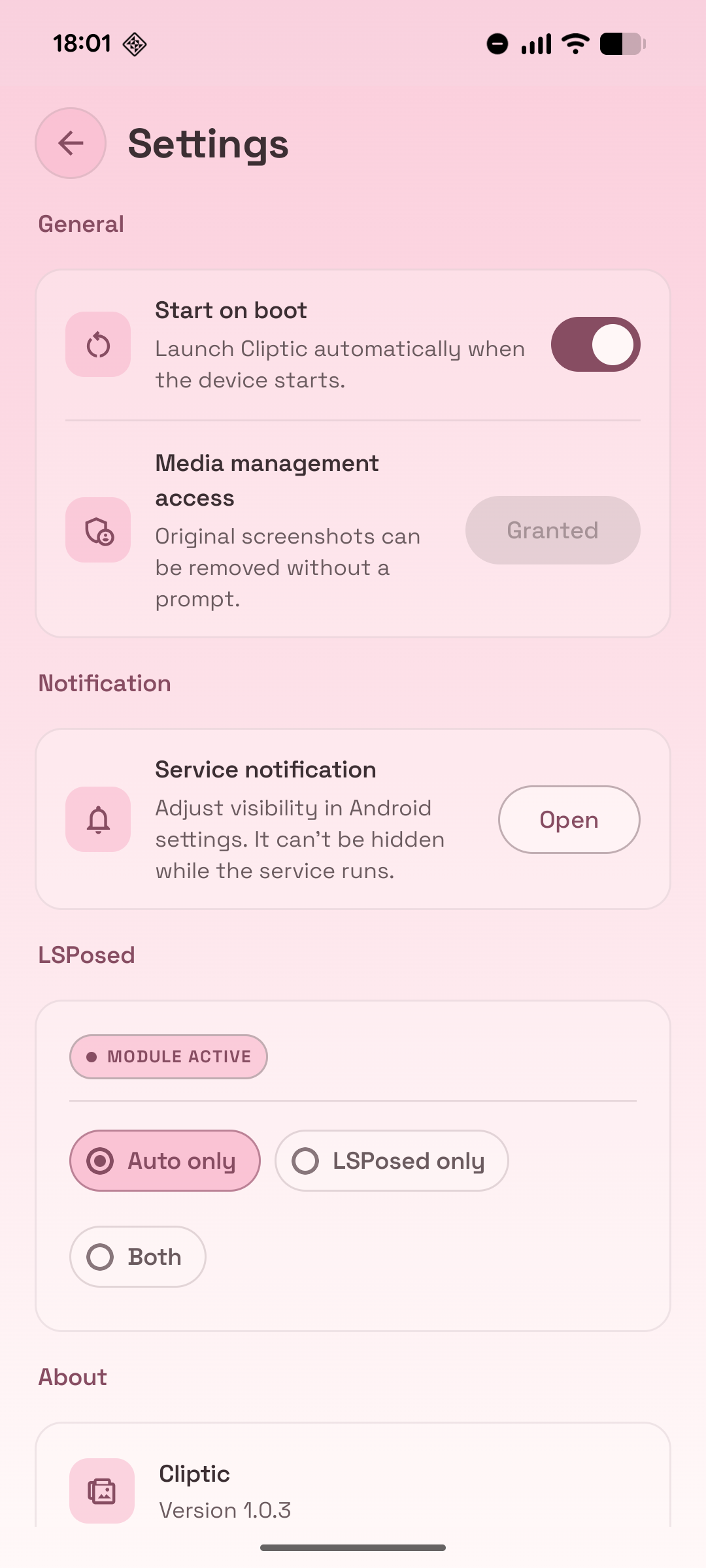
MediaStore.createTrashRequest - Starts automatically on boot
- Foreground service with a persistent notification (visibility adjustable via Android notification settings)
LSPosed / Vector module (root + LSPosed or Vector required)
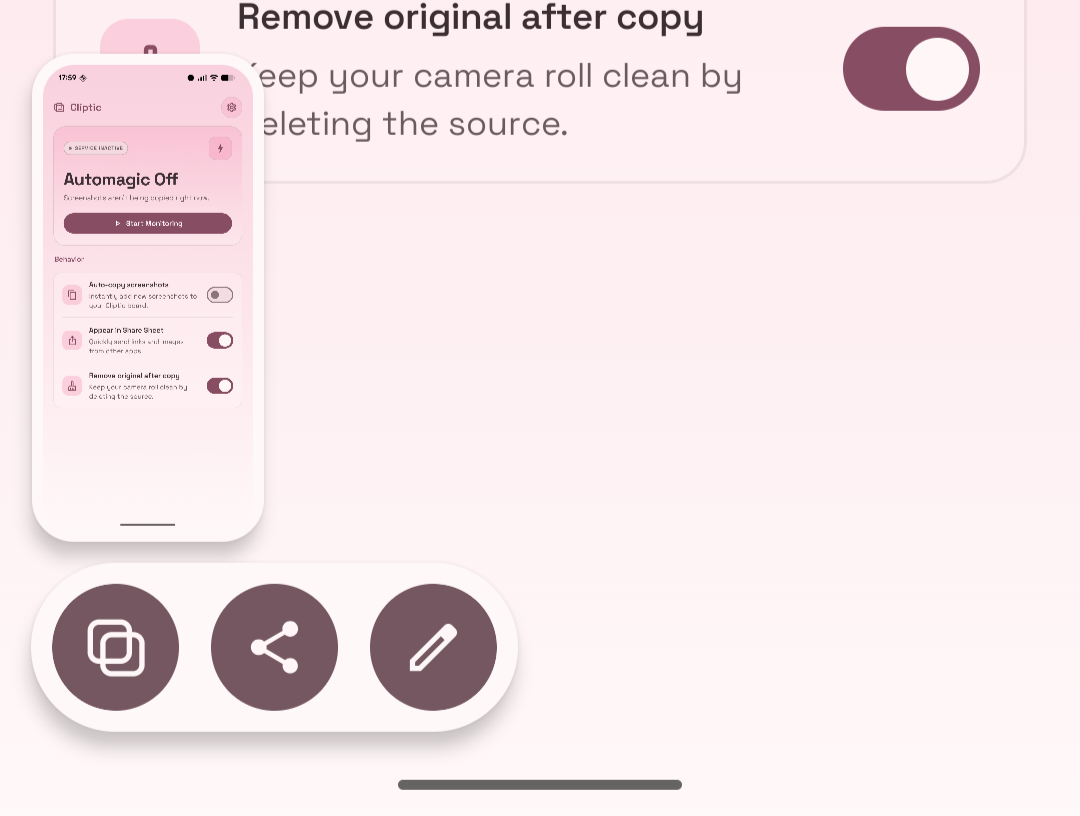
- Injects a “Copy” chip directly into the Android 16 Pixel screenshot shelf toolbar — the same row as Share and Edit
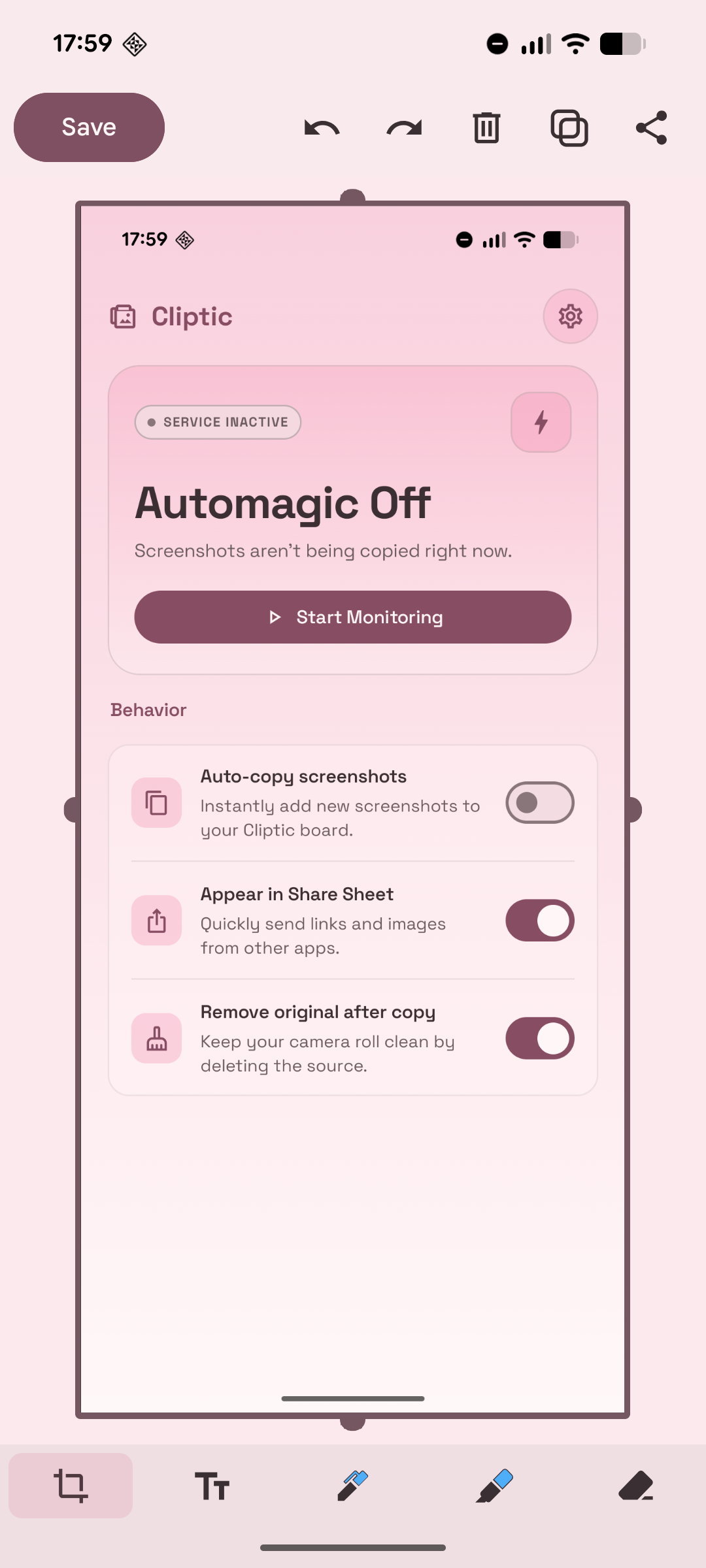
- Injects a “Copy” button into the Pixel Markup (screenshot edit) screen
- Works via a signed IPC bridge between the SystemUI process and the Cliptic app; the app handles the clipboard write
Both modes can run simultaneously (both) or independently (auto or xposed).
Requirements
- Android 14+ (
minSdk = 34) - JDK 17, Android SDK 36
- For the LSPosed module: a rooted phone with AOSP/LOS/Stock like ROM based on Android 16 with LSPosed or Vector exposing libxposed API 100 (tested on Pixel 8, stock Android 16, Vector 2.0)
Build
./gradlew assembleDebug          # all debug APKs
./gradlew :app:assembleDebug     # standalone app only
./gradlew :xposed:assembleDebug  # LSPosed module only
./gradlew test                   # local unit tests
Install
Standalone app
./gradlew :app:installDebug
On first launch, grant photo and notification permissions when prompted. Auto-copy can be toggled from the app UI or the Quick Settings tile.
LSPosed module
- Build
:xposed:assembleDebugand install the APK on the rooted device. - Enable the module in LSPosed or Vector.
- Scope it to
com.android.systemuiandart.yniyniyni.cliptic. - Reboot or restart SystemUI.
How It Works
Standalone copy flow
ScreenshotService runs as a foreground service and owns a ScreenshotDetector. The detector observes MediaStore.Images.Media.EXTERNAL_CONTENT_URI, filters for recent images whose RELATIVE_PATH contains Screenshots, waits ~500 ms for the file to finish writing, then passes the URI to the service. The service copies the image into cacheDir/cliptic_clipboard, exposes it through FileProvider, and writes that URI to the clipboard via ClipboardWriter. Cached files expire after one hour by default.
Share Sheet flow
When Cliptic receives an image/* share intent, ShareReceiverActivity runs the same cache-and-copy pipeline, shows a short confirmation toast, and finishes without showing any UI.
LSPosed copy flow
CopyButtonInjector hooks ScreenshotShelfViewBinder.access$updateActions in the com.android.systemui process, prepending a Copy ActionButtonViewModel to the action list so the framework renders, styles, and recycles the chip exactly like Share and Edit. On tap the module reads the IPC secret from XposedSecretProvider and broadcasts ACTION_COPY_SCREENSHOT (with the screenshot URI and the secret) to the Cliptic app. The app validates the secret, caches the image, and writes it to the clipboard. It then sends ACTION_COPY_SCREENSHOT_ACK back; CopyAckReceiver in SystemUI validates the ACK secret and silently trashes the original.
MarkupCopyInjector hooks the Pixel Markup editor (com.google.android.markup → AnnotateActivity) and adds a Copy button that invokes the editor’s built-in clipboard-export path, suppressing the trailing finishAndRemoveTask() so the editor stays open.
Original-screenshot cleanup
OriginalScreenshotCleanup uses MediaStore.createTrashRequest. If MediaStore.canManageMedia is true, it trashes silently with a retry ladder plus a WorkManager job for durability. Otherwise it queues the URI and shows a confirmation notification so the user can approve removal.
Settings
| Key | Default | Description |
|---|---|---|
auto_copy_enabled |
true |
Enables or disables automatic screenshot watching. |
share_sheet_enabled |
true |
Adds or removes Cliptic from the Share Sheet. |
remove_original_after_copy |
true |
Requests removal of the original gallery screenshot after copying. |
start_on_boot |
true |
Starts the foreground service after device boot. |
copy_mode |
auto |
auto, xposed, or both — controls which copy path is active. |
xposed_secret |
random UUID | Per-install shared secret for app ↔ Xposed IPC validation. |
cache_duration_ms |
3600000 |
Clipboard cache lifetime in milliseconds. |
IPC and Security
The Xposed module runs inside com.android.systemui while clipboard writes happen in the app process. Two checks gate the bridge:
XposedSecretProvider(exportedContentProviderat${applicationId}.secrets) returns the per-install UUID secret only to callers whose UID maps tocom.android.systemui.CopyBroadcastReceivervalidates that secret before accepting any screenshot URI from SystemUI.
IPC constants are mirrored in AppActions.kt (app side) and AppProtocol.kt (xposed side) — keep them in sync. After a successful copy the app sends ACTION_COPY_SCREENSHOT_ACK back; CopyAckReceiver in the SystemUI process validates the secret and silently trashes the original.
License
See LICENSE.
Privacy Policy
See Privacy Policy.